Tables and reservations
Organise zones, see occupancy and enter table reservations.
For cafés, taverns and restaurants
Keep orders, tables and stock in one place. Help your team work together and get a clear view of sales.
A free conversation about your venue. No commitment.
Starter from 6,000 MKD / monthPrices exclude VAT.One venue · setup and training included

 Already in 20+ venuesRead their experiences
We improve BeeBistro through direct conversations with venue owners.
Playing this video connects to YouTube.
Some of the venues that trust us
One connected working day
The waiter enters it, the kitchen prepares it and you follow the progress.
Enter an order
The waiter selects the table, enters the items and passes the order to the kitchen.
Enter an order
Table 04Prepare and serve
The team follows the preparation status and marks items ready. The waiter can see the update.
Kitchen overview
Table 04Follow the results
Check order history, revenue from completed orders and low-stock items in one place.
Daily overview
An illustrative preview, not a screenshot of a live customer account.
The core package connects the working day, from table reservations to completed orders.
Organise zones, see occupancy and enter table reservations.
Edit items and categories. Track quantities against minimum stock levels.
Enable order sounds and record issues for the team to resolve.
Download PDF reports and assign access according to each team member’s role.
Around your venue’s needs
Different venues have different priorities. Choose the functions that help with your everyday work.
A clear view of tables and orders
See which tables are occupied, what has been ordered and which stock is running low. Manage menu items and prices in one place.
Clear orders for the kitchen
The waiter enters dishes and notes, while the kitchen follows preparation. The team sees when the order is ready.
From order entry to service
Connect tables, waiters and the kitchen. Follow orders and review sales from completed orders.
We can connect them to BeeBistro after the required venue checks and approvals.
Connections for your venue
Each connection has a purpose and requirements. Before quoting, we check what can be activated for your venue.
Wolt orders are transferred into BeeBistro so the team can follow acceptance and preparation.
Requires Wolt access, a mapped menu and a checked order flow.
How it connectsWe check whether we can connect the exact model of your fiscal device.
Functions and activation are confirmed after device testing and coordination with your service provider.
How it connectsA connected assistant answers questions about orders, tables and low stock.
Requires authorized access and a suitable assistant account. Data access is read-only.
How it connectsIt is a BeeBistro module for browsing the menu. Guests do not order or pay through this view.
Additional modules
Extend BeeBistro with modules that fit the way you work.
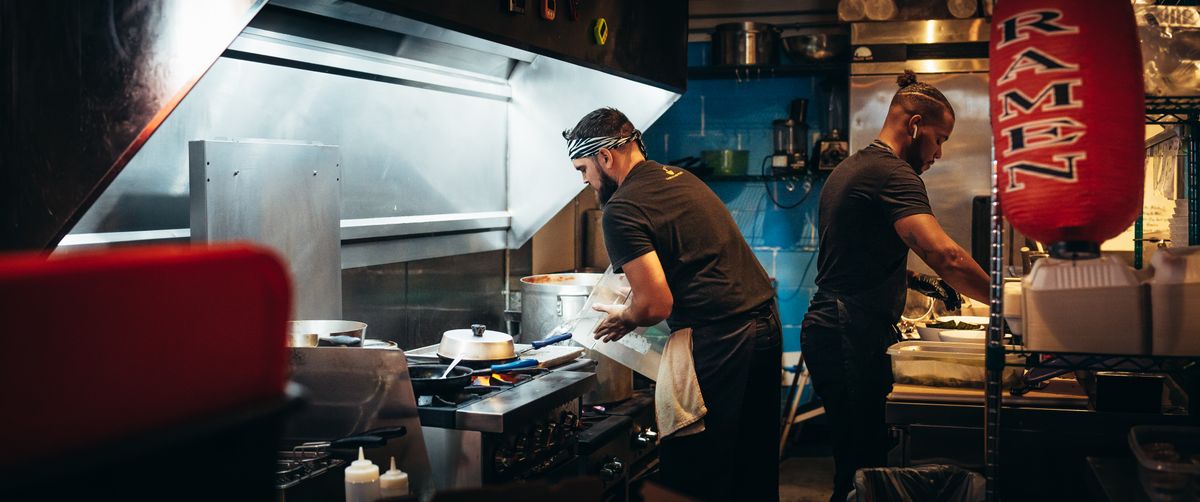 Wolt integration
Wolt orders in the same workflow as your team and kitchen.
 Fiscal integration
 based on your venue’s equipment and requirements.
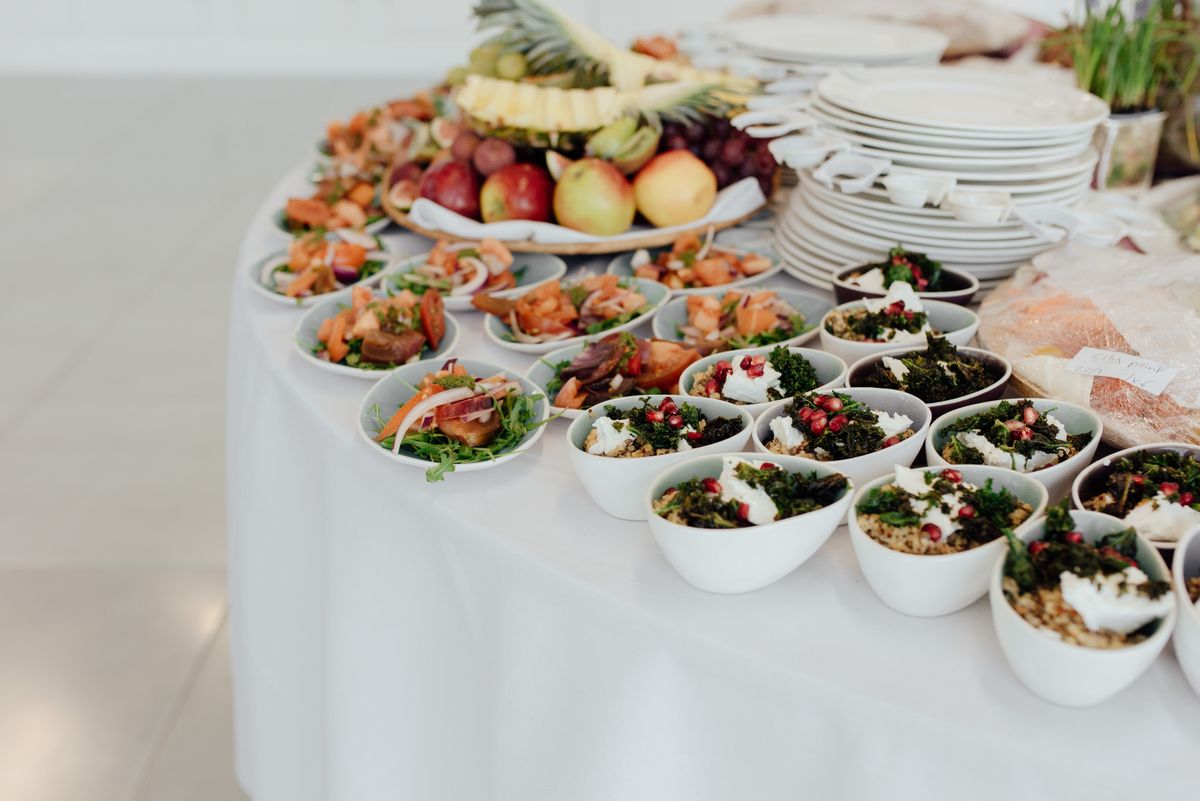 Event declarations
 with agreed information, document format and scope.
Business ordersBusiness orders with agreed quantities and delivery windows.
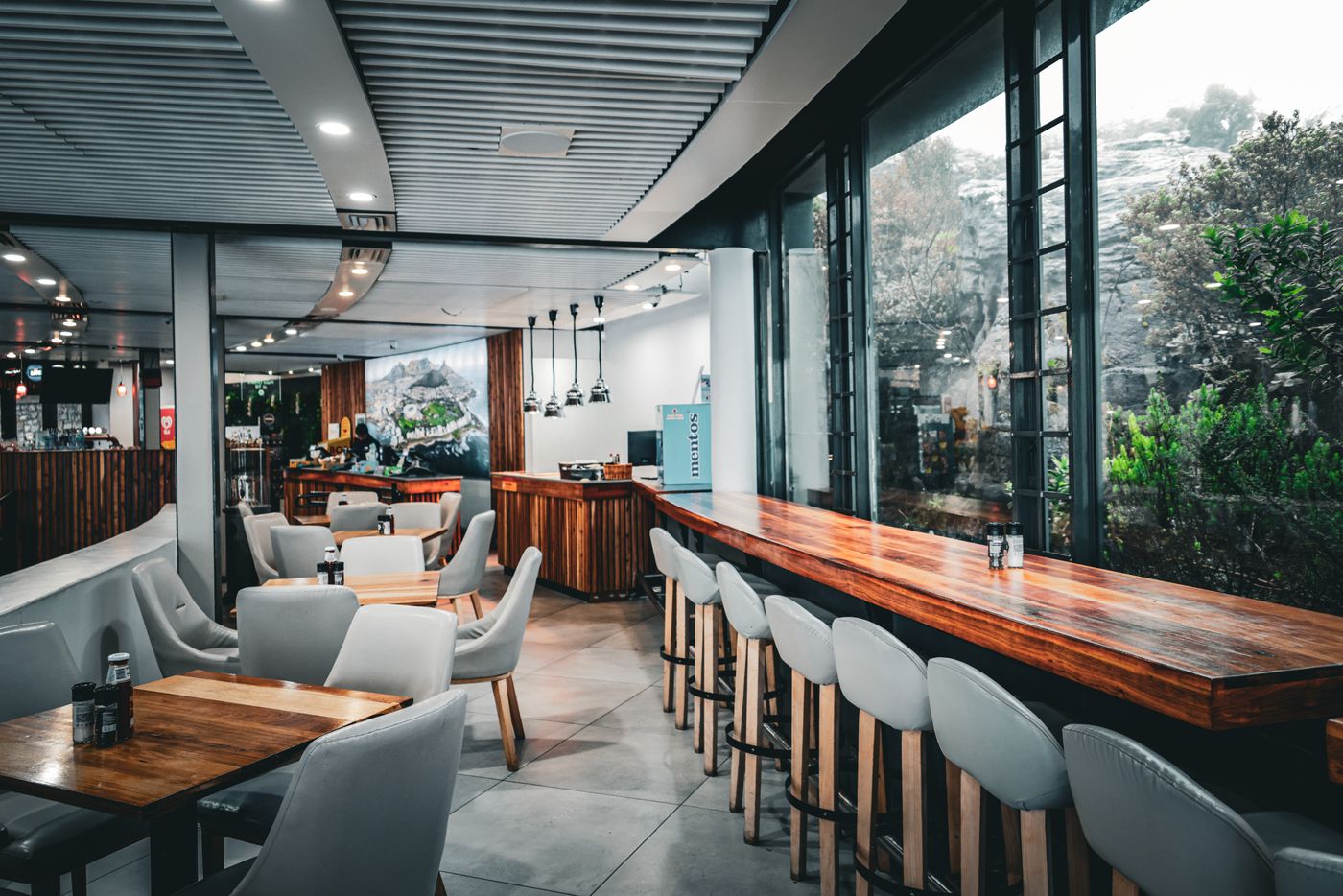 QR menu
Your menu on a guest’s phone with a single scan.
Multiple locationsA setup for multiple venues with agreed access and scope for each location.
Modules are activated according to the agreed package, equipment and scope.
From our customers
Their experiences cover orders, kitchen work and working with our team.
Bee Bistro saved us 3 hours daily on order management.

The kitchen screen changed the way we work.

True professionals in marketing and software.

Experiences shared by customers
BeeBistro
We speak directly with owners about what makes a shift difficult. Their experiences and feedback help us improve BeeBistro.
Getting started
We learn about your venue and show the relevant functions.
We agree on the package, modules, equipment and schedule.
We prepare the menu and access, then guide your team.
Ask a connected assistant about orders, tables or stock.
Practical answers
Yes. Book a free demonstration. We will walk through the functions that match your venue and discuss the setup and price.
We help prepare the menu, user access and team training. The schedule and full scope are agreed before setup.
BeeBistro runs in a modern browser on a phone, tablet or computer. We check your existing devices and any specialist equipment before making a recommendation.
An internet connection is needed for everyday operations and recording orders. Plan a reliable connection for the venue.
Partner programme
Refer hospitality businesses and earn commission. Our team supports you from the first conversation to the contract.
Explore the partner programme ↗35%For your first client
10–15%For each subsequent client
Monthly commissions over 12 monthsThe next step
Bring your questions. We will show you how BeeBistro could fit the way your venue works.
Already in 20+ venuesRead their experiences